Connect a number and start replying
To connect a number, leave a request to TehProf.kz Support with the button at the end of this section. In the comment, include the number, how you use it today, your Bitrix24 portal address if you have one, and whether you need groups or calls. TehProf.kz confirms the connection path and price. After payment, your line appears under Channels.
| Your number now | Suitable connection |
|---|---|
| Regular WhatsApp on a phone | WhatsApp Web by QR code |
| WhatsApp Business on a phone | WhatsApp Web by QR code; to keep the phone app with the official channel, use Coexistence if Meta allows it for the number |
| Not yet used in WhatsApp | Official WhatsApp through Meta |
| Official WhatsApp at another API provider | Change provider after checking access to the Meta account |
Agree the transition with TehProf.kz before changing an existing connection. Keeping the number, phone app and earlier history depends on the transition path.
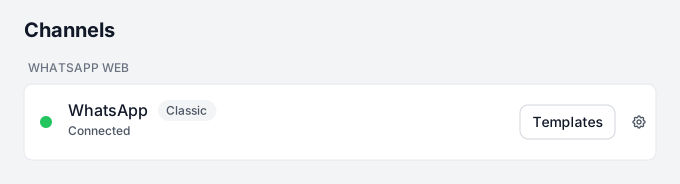
- Open Channels and find your line by number and connection type. If the line is missing or no licence is assigned, contact TehProf.kz.
- Follow the instructions for your connection: QR code, new official number, Coexistence or provider change.
- Grant employees access under Settings → Channel access.
- Send a message from another phone and reply in Dialogs. Check that the reply reaches the phone.
If the team replies in Bitrix24, connect the channel to an Open Line, configure its queue and test an incoming message and reply there. Choose one main workspace for replying: Dialogs or Bitrix24.
Meta message charges for official WhatsApp are separate from the TehProf.kz line price. Before paying, check with TehProf.kz how these charges will be billed.
Message Support on WhatsApp · +7 771 682 74 70 · support@tehprof.kz