The Dialogs workspace
The conversation list is on the left, the message thread in the centre and customer details on the right. Select a chat to reply from the company number.
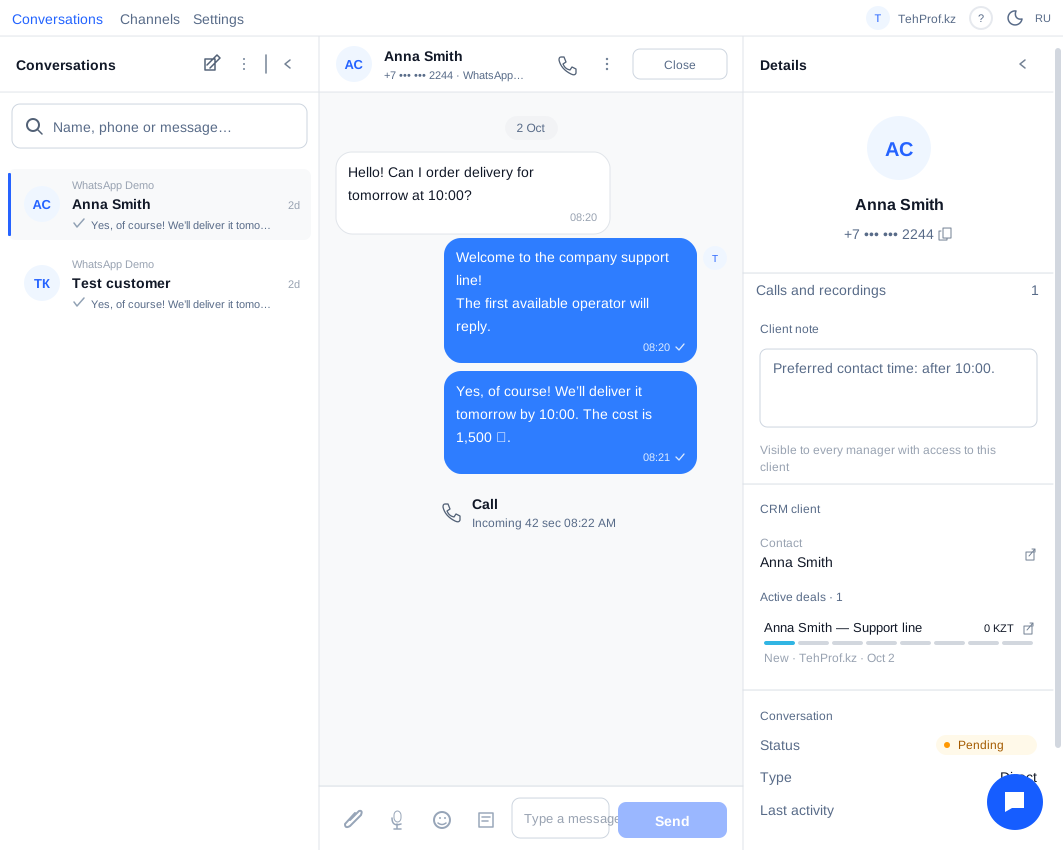
With Bitrix24 connected, CRM details are available on the right. You can also open Dialogs inside a customer record. To change a deal, lead or smart-process stage from the right panel, an administrator enables Deal stage change for the intended portal under Settings → Integrations. Stages are read-only by default. If stages have required fields, first enable their validation in Bitrix24 using the guidance beside the switch.