Keep WhatsApp Business on the phone
Coexistence connects the official channel to a number already used in the WhatsApp Business phone app. The team can reply in Dialogs while the phone app keeps working. Meta checks whether this is available for your number.
Dialogs → Channels → your line → Reconnect → Reconnect via Facebook
- Update WhatsApp Business on the phone and check that its number matches the line in Dialogs.
- Open Meta from this line, select the company portfolio and choose the option to connect the existing WhatsApp Business app.
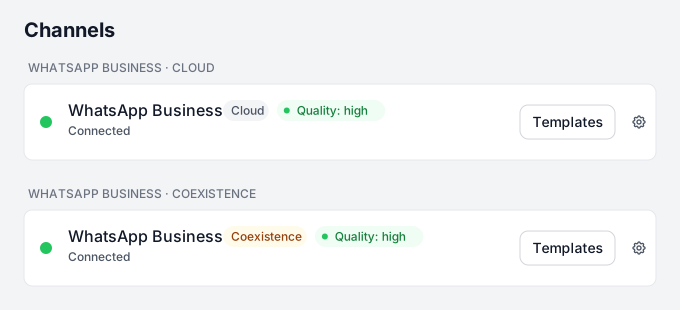
- Complete the confirmations in Meta and on the phone. Finish the wizard and return to Channels. The line should have a Coexistence badge.
- Send a message from another phone and reply in Dialogs. Then check that WhatsApp Business still works on the original phone.
If Meta does not offer this option or rejects the number, contact TehProf.kz. Keep the existing app and connection until the transition is agreed. Meta does not provide Dialogs with delivery or read receipts for messages sent from the phone app.
Message Support on WhatsApp · +7 771 682 74 70 · support@tehprof.kz