The “Not read” label in Bitrix24 now clears itself
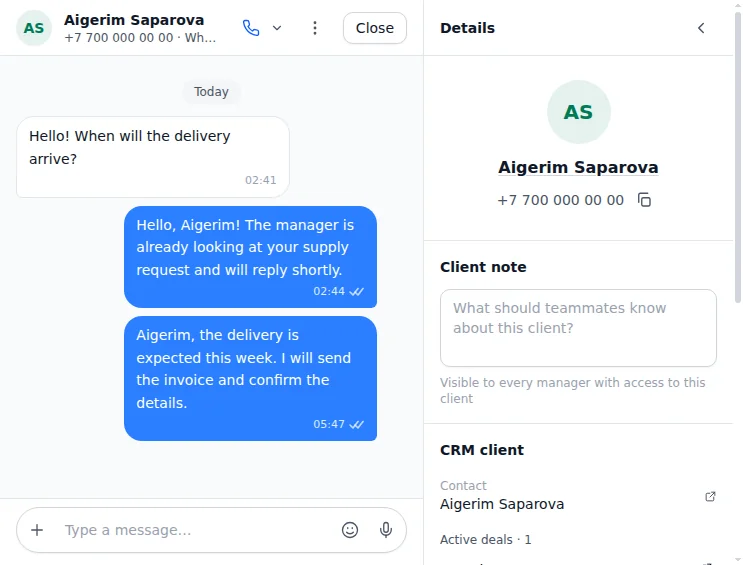
A Bitrix24 deal card carries the label “Chat with client: Not read”. Now it clears itself when the responsible opens the chat in Dialogs. If another employee opens the chat, the label stays. For this to work, connect an Open Line and give your employees access.
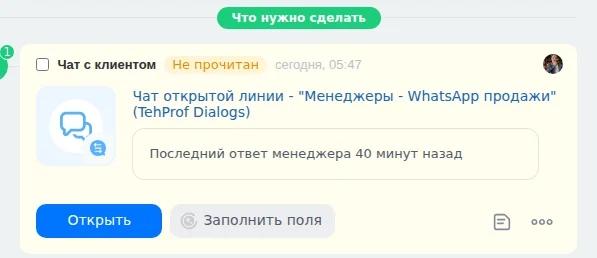
- The “Not read” label: the responsible has not read the client’s message yet
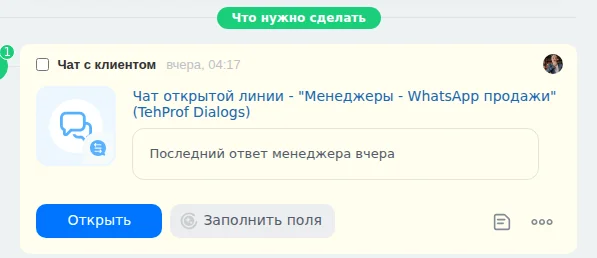
- The client writes — the deal card shows “Chat with client: Not read”.
- The deal’s responsible opens the chat in Dialogs — the label is cleared.
- To clear the label when a message is read in WhatsApp on the phone, open the Bitrix24 settings in Dialogs and turn on the switches you need.
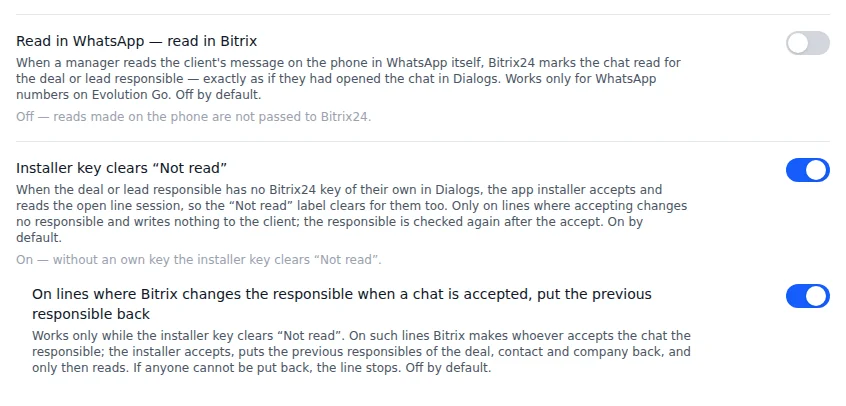
- Read in WhatsApp — read in Bitrix
- Installer key clears “Not read”
- On lines where Bitrix changes the responsible when a chat is accepted, put the previous responsible back
Dialogs → Settings → Integrations → Bitrix24 → Settings
Read more in the article How the “Not read” label is cleared in Bitrix24.